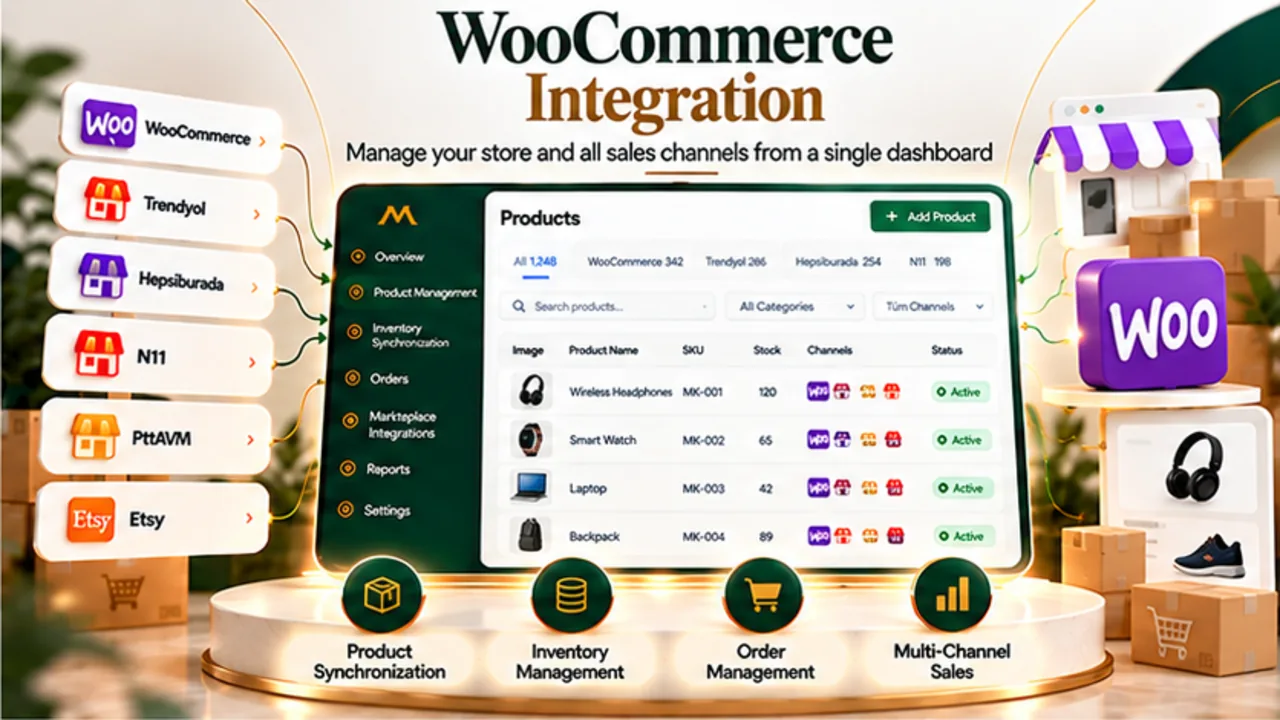
WooCommerce and MarketOne
What is WooCommerce integration?
WooCommerce is an e-commerce platform built for WordPress. An integration connects store data and operations with another management system, helping merchants coordinate product, inventory and order workflows.
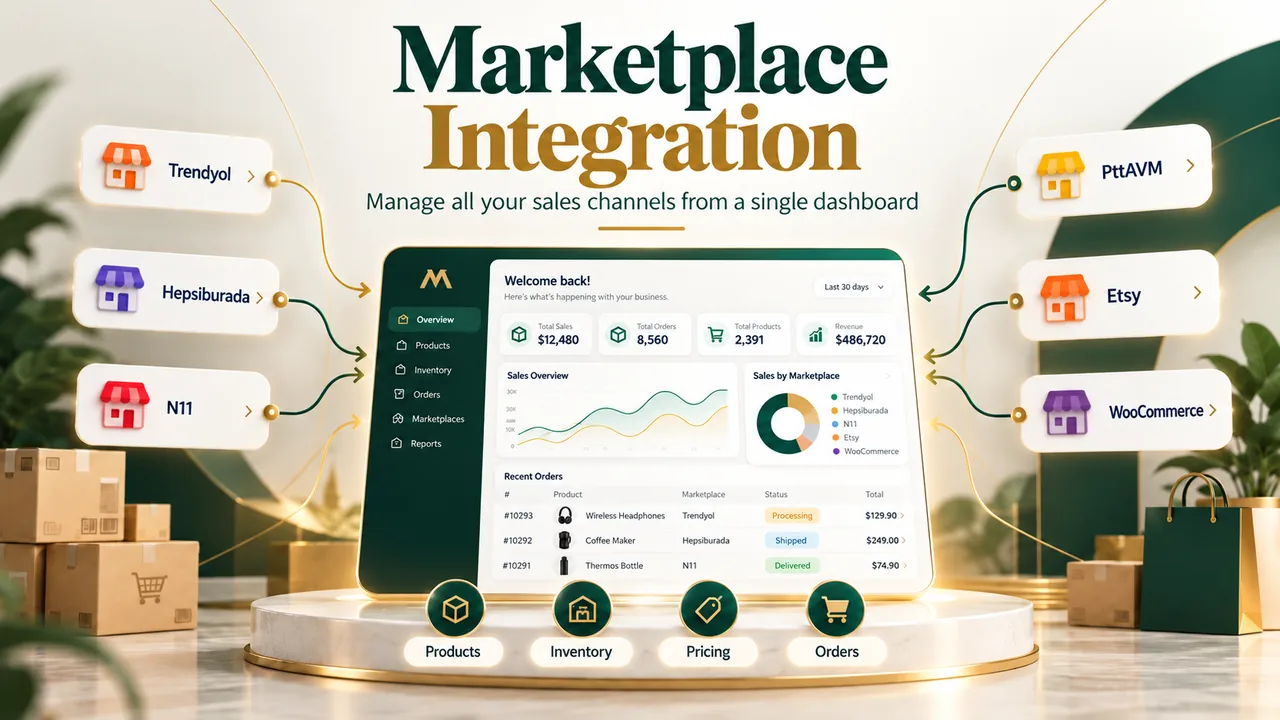
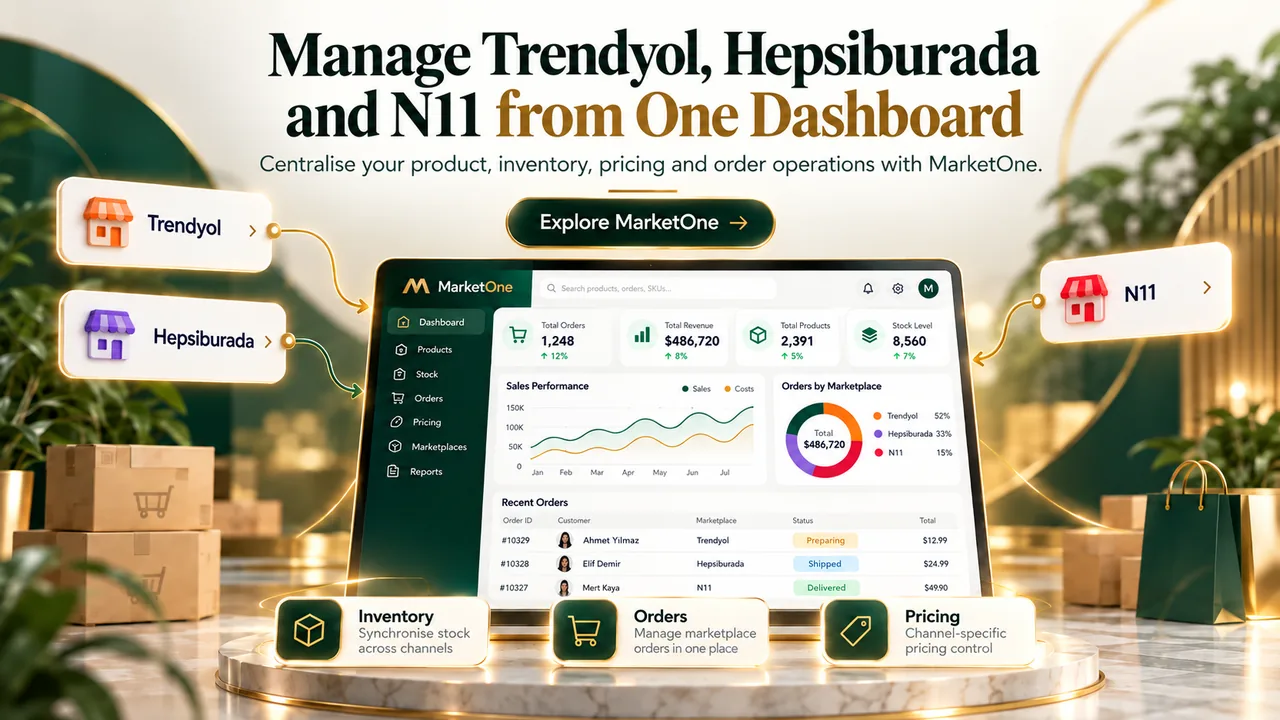
MarketOne brings your WooCommerce store into the same operational view as Trendyol, Hepsiburada, N11 and other supported channels. This reduces the need to switch between disconnected dashboards.
One connected operation
Why manage WooCommerce and marketplaces together?
Selling the same products through your store and multiple marketplaces introduces challenges around product identifiers, inventory availability, order tracking and channel-specific rules. A centralised workflow helps teams maintain a clearer operational picture.
Product mapping
Link WooCommerce products and variants to corresponding listings on connected channels.
Inventory visibility
Manage available stock with a central view of supported channel operations.
Order coordination
Keep WooCommerce and marketplace orders in a shared operational workflow.
Channel-specific rules
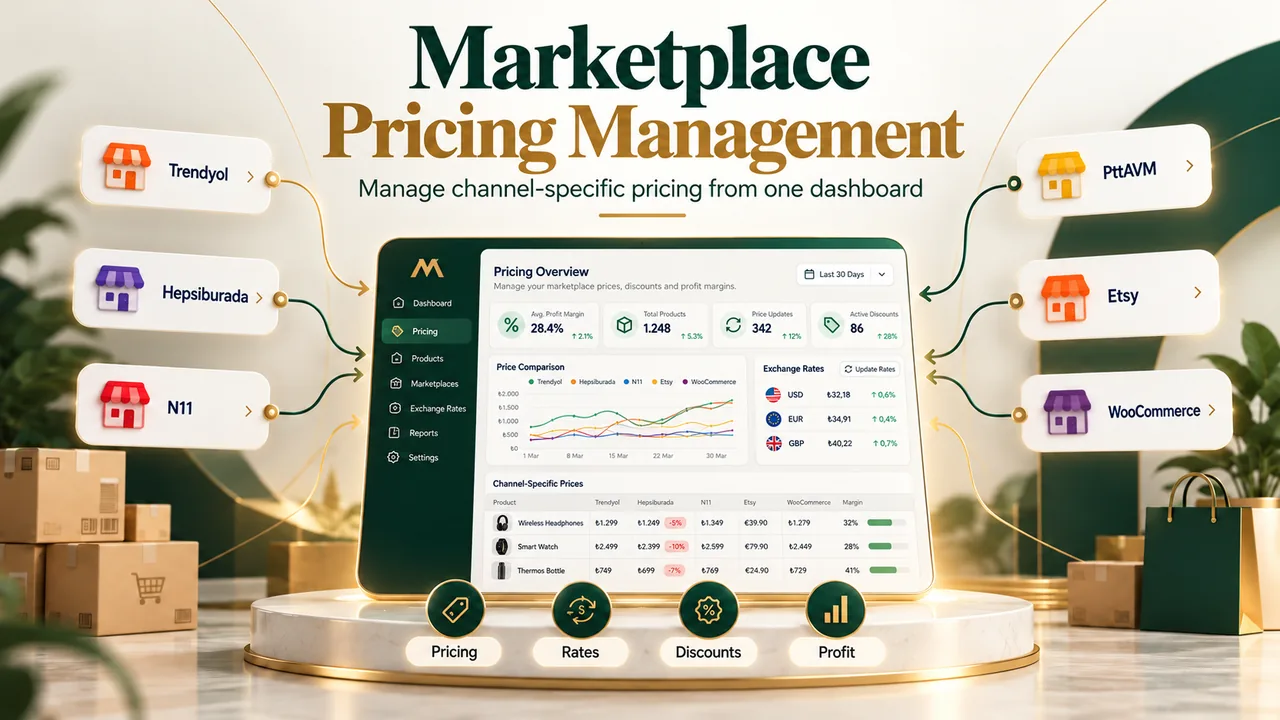
Account for differences in categories, pricing and supported actions.
Catalogue structure
Map WooCommerce products, SKUs and variants
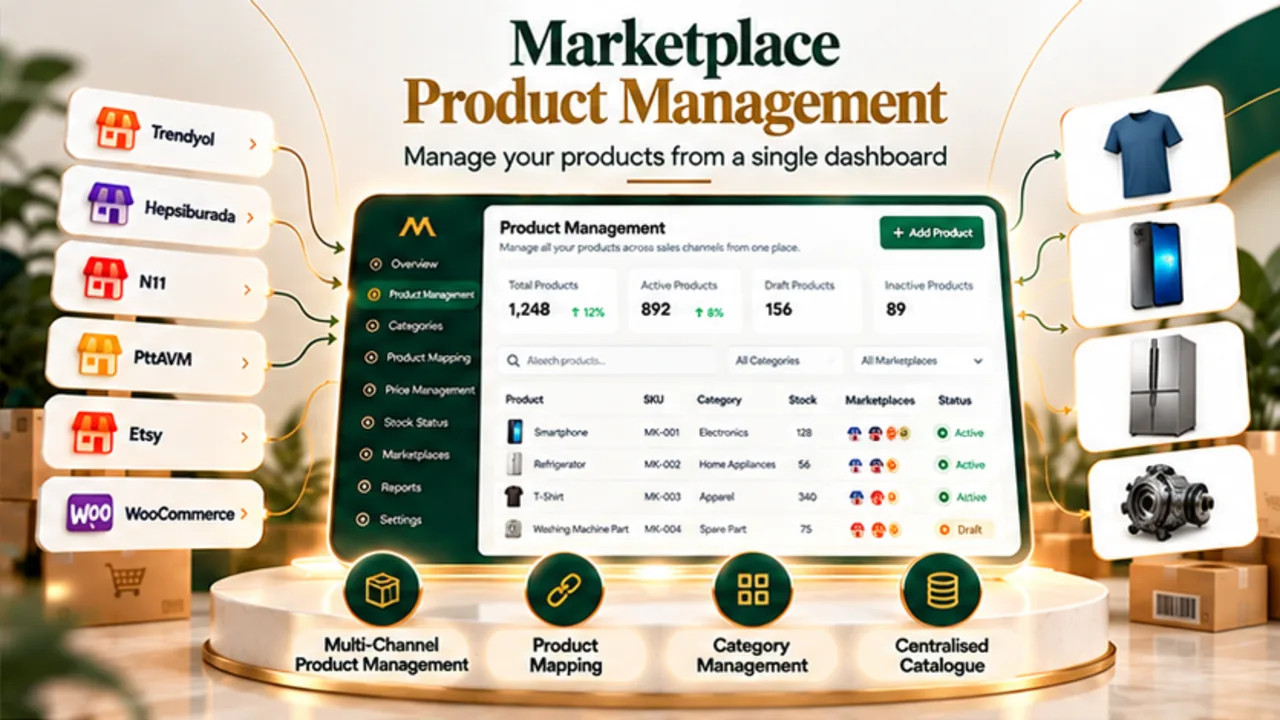
A WooCommerce product may have multiple sizes, colours or configurations, while marketplaces may require different category and attribute structures. Product mapping links records that represent the same item across channels.
Consistent identifiers and carefully reviewed variant mapping are essential before extending inventory and order workflows.
Inventory control
Coordinate WooCommerce inventory with connected channels
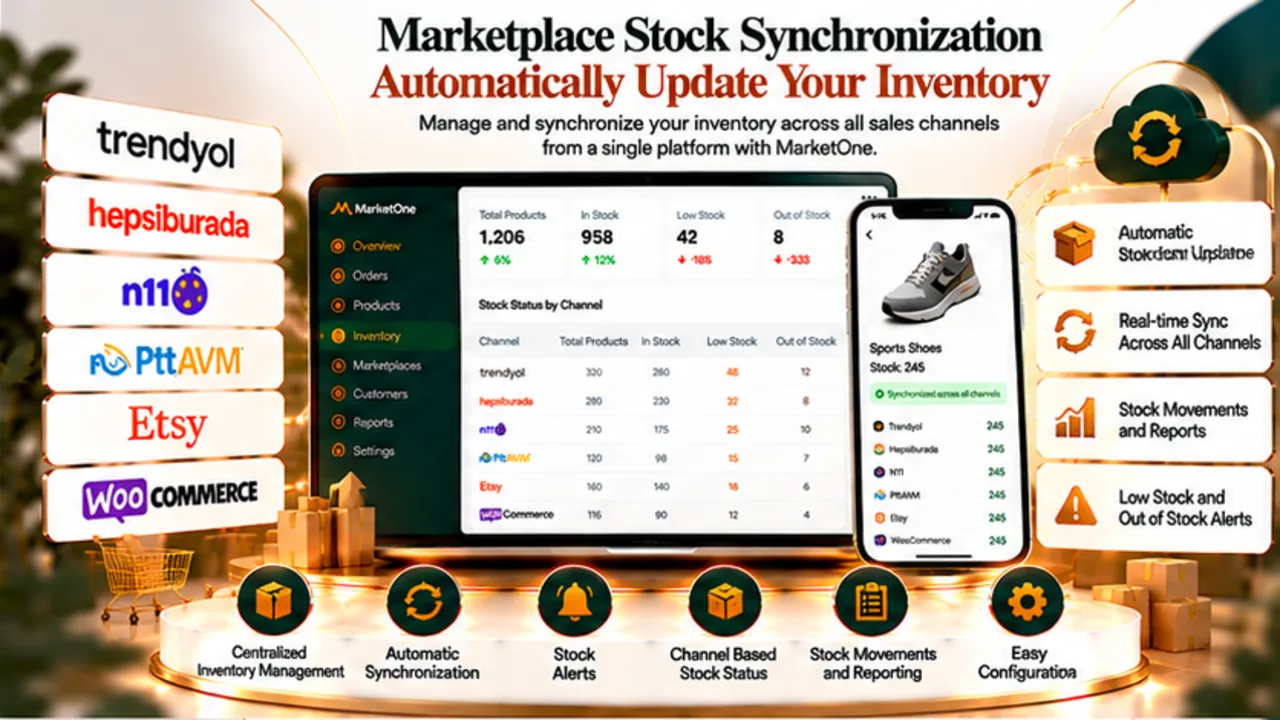
When multiple channels draw from the same stock pool, sales on one channel can affect availability elsewhere. MarketOne supports central inventory operations for connected channels, subject to each integration’s capabilities.
Update intervals, synchronisation direction and channel restrictions should be verified for your particular setup.
Order operations
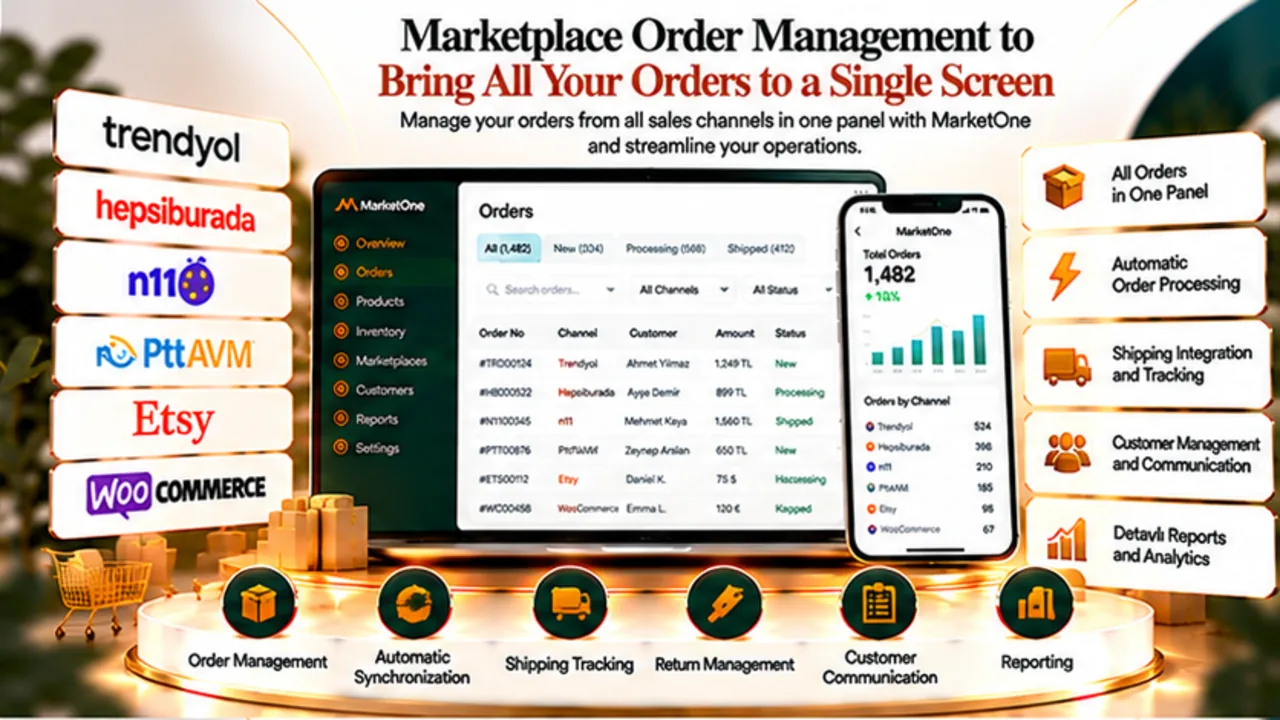
View WooCommerce and marketplace orders in one workflow
Central order visibility makes it easier to organise fulfilment tasks, check order statuses and coordinate internal teams without treating every sales channel as a separate operation.
Shipping, returns and customer communications depend on the features and permissions supported by each connected channel.
Multichannel commerce
How WooCommerce works alongside Trendyol, Hepsiburada and N11
WooCommerce represents your own storefront, while Trendyol, Hepsiburada and N11 are marketplace channels. MarketOne connects these sales environments around shared catalogue, inventory and order processes.
Additional supported channels, such as PttAVM and Etsy, can be considered according to your business model.
WooCommerce × MarketOne
Separate dashboards vs centralised operations
| Separate dashboards | Central management with MarketOne | |
|---|---|---|
| Product records | Review each channel separately | Use a mapped catalogue approach |
| Inventory | Frequent manual reconciliation | Central updates where supported |
| Orders | Multiple order interfaces | Shared operational visibility |
| Channel rules | Scattered settings | Review differences in one workflow |
WooCommerce → MarketOne
How to plan a WooCommerce integration
- Assess your store: Review WooCommerce access, versions, SKUs and product variants.
- Configure the connection: Choose the supported integration method and permissions.
- Map the catalogue: Link WooCommerce products with relevant marketplace records.
- Test data flows: Verify sample product, inventory and order scenarios.
- Monitor operations: Review channel limitations and data consistency over time.
Implementation readiness
What to check before connecting WooCommerce
Review your WooCommerce version, access permissions, SKU conventions, product variations, tax and pricing rules, and your source of truth for stock.
The exact setup depends on the store configuration. One-click setup and universal compatibility with all plugins should not be assumed.
Beyond a connector
Think beyond connecting a store
Reliable multichannel operations depend on product mapping, channel rules, stock visibility and order handling working together. WooCommerce integration should be planned as part of the wider commerce workflow, not simply a connection between two systems.
MarketOne
Explore related solutions
MarketOne
Bring your WooCommerce operations together with MarketOne
Explore how MarketOne can help coordinate your store and supported marketplaces from one management environment.
Explore MarketOneFAQ
Frequently asked questions about WooCommerce integration
What does WooCommerce integration do?
It helps coordinate WooCommerce products, stock and orders with other supported sales channels in a central workflow.
Can WooCommerce and Trendyol be managed together?
MarketOne supports a shared management approach for WooCommerce and supported marketplaces, including Trendyol. Available actions vary by channel.
Is inventory updated instantly in both directions?
Update frequency and direction depend on the specific integration; instant two-way synchronisation is not guaranteed for every scenario.
Can product variations be mapped?
Product and variant mapping can be part of the integration workflow, subject to channel data structures and supported fields.
Does it work with every WooCommerce plugin?
Compatibility with every third-party plugin is not guaranteed. Custom configurations should be assessed individually.
What should I prepare before setup?
Review store access, SKUs, variations, inventory sources and channel-specific business rules.