Digital invoicing
What is e-invoicing and e-archive integration?
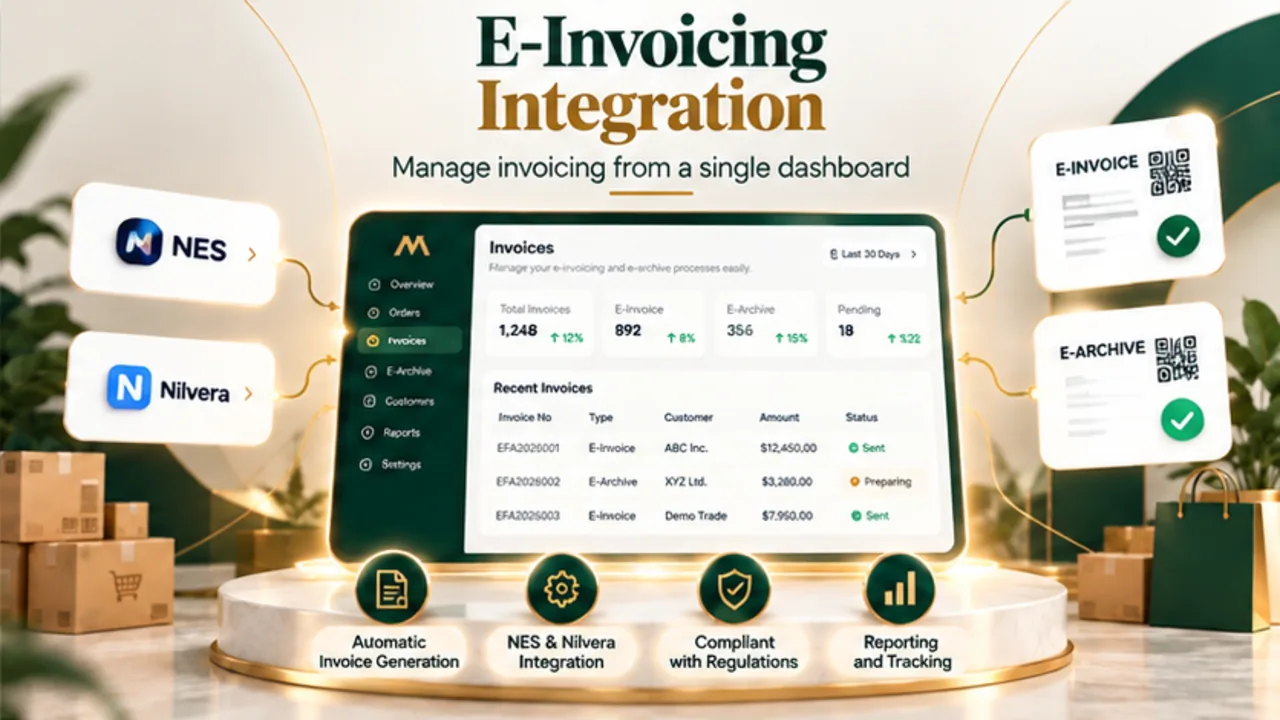
E-invoicing and e-archive integration connects sales information to electronic document workflows. MarketOne helps bring supported NES and Nilvera operations closer to your central commerce management process.
Supported providers
Connect invoicing workflows with NES and Nilvera
NES and Nilvera provide electronic document services focused on Türkiye. MarketOne supports integrations with these providers, subject to the configured services, account permissions and available features.
NES integration
Connect supported NES document operations to the context of your commerce orders.
Nilvera integration
Bring supported Nilvera invoicing services into a central workflow.
Document visibility
Review available document statuses alongside the relevant order information.
Validation steps
Check customer, tax and amount details before issuing documents.
Order-to-invoice workflow
From marketplace order to electronic document
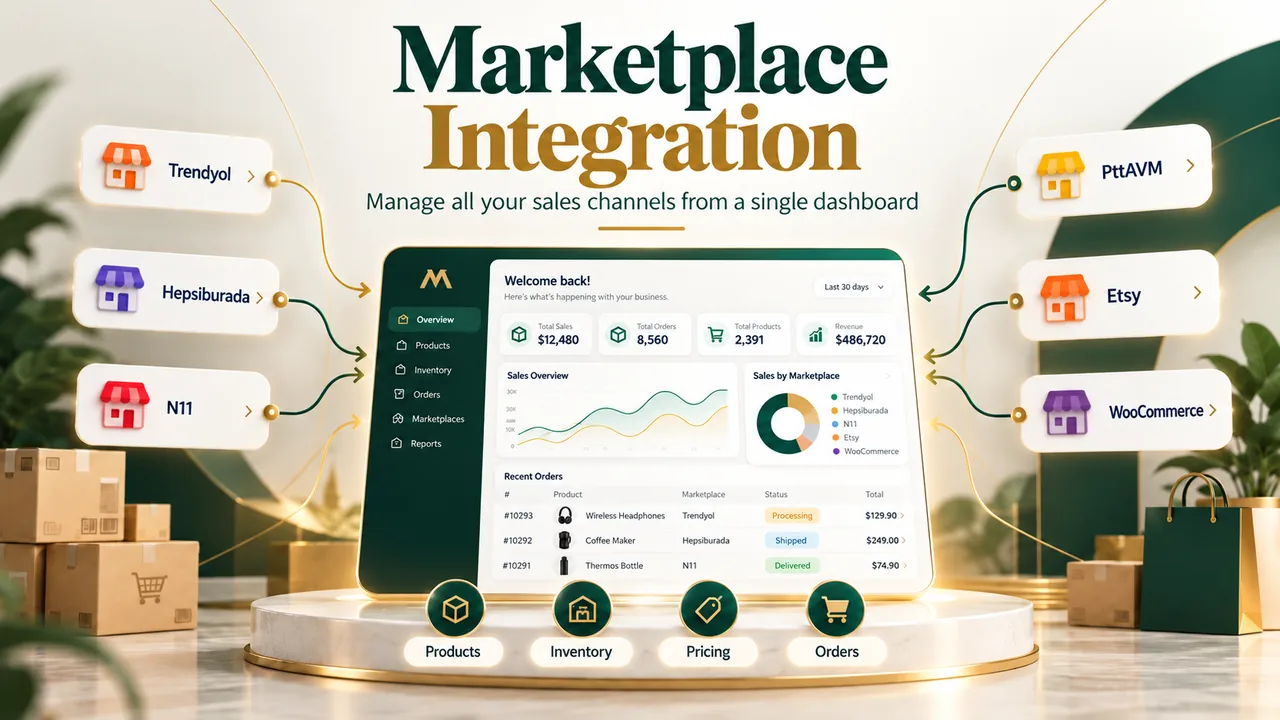
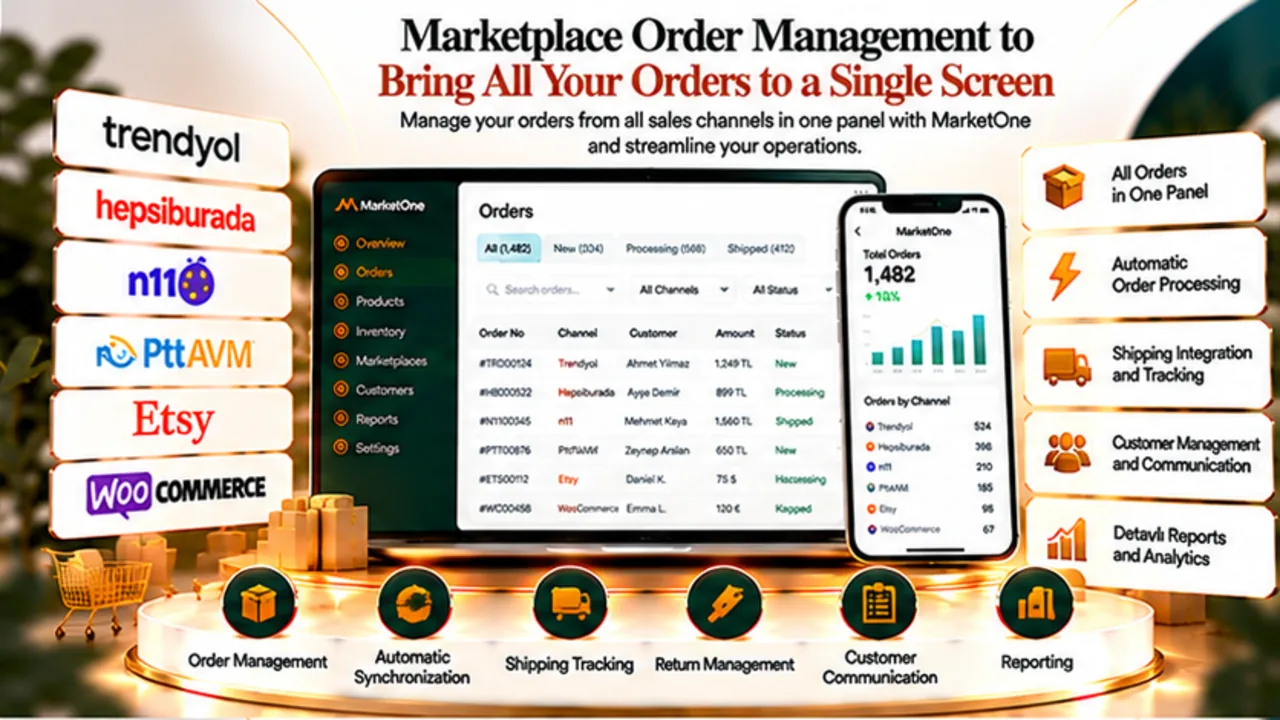
Orders from connected channels such as Trendyol, Hepsiburada and N11 provide the operational context for preparing invoices, checking customer information and tracking document handling.
Document types
E-invoice and e-archive: understanding the distinction
In Türkiye, e-invoice and e-archive invoice are distinct electronic document categories. The appropriate document depends on recipient status and applicable Turkish Revenue Administration (GİB) rules.
Operational benefits
Why centralise invoicing operations?
Connecting orders and invoices can reduce repeated data entry and make it easier to review order references, customer details and available document statuses in one workflow.
Comparison
Manual vs centralised invoicing
Manual invoicing often means switching between systems and copying details. A coordinated workflow can help standardise checks and reduce unnecessary hand-offs.
| Process | Manual approach | Centralised approach |
|---|---|---|
| Data entry | Details may be copied manually | Order data can be linked to the process |
| Tracking | Multiple systems to check | More coordinated operational visibility |
| Validation | Ad hoc checks | Defined verification steps |
| Growth | Workload rises with volume | Processes can be standardised |
Compliance checklist
What to check before issuing electronic documents
Electronic invoicing is regulated. Confirm taxpayer eligibility, document types, cancellation procedures and retention obligations under current GİB requirements and your provider agreement.
Implementation steps
How to set up an invoicing workflow with MarketOne
Prepare your provider account and permissions, verify the order data you intend to use, configure the applicable document process and test representative scenarios before production use.
- Confirm your NES or Nilvera account and access permissions.
- Validate order, customer and tax information.
- Determine the appropriate document type under applicable rules.
- Use the supported provider integration workflow.
- Check document status and resolve any returned errors.
Use cases
Who can benefit from this solution?
Designed for merchants operating across marketplaces, growing order teams and businesses seeking better coordination between sales and Turkish electronic invoicing.
Explore MarketOne
Bring invoicing into your MarketOne workflow
MarketOne combines marketplace order management, channel-specific pricing and supported electronic document connections through NES and Nilvera within a unified operational approach.
MarketOne combines marketplace order management, channel-specific pricing and supported electronic document connections through NES and Nilvera within a unified operational approach.
Explore MarketOneFAQ
Frequently asked questions about e-invoicing
Does MarketOne integrate with NES and Nilvera?
Yes, MarketOne supports NES and Nilvera integrations for relevant invoicing workflows; available operations depend on configuration.
Are e-invoice and e-archive the same?
No. They have different conditions of use under Turkish regulations.
Will every marketplace order be invoiced automatically?
Do not assume universal automatic invoicing. Channel data, provider capabilities and configuration determine the workflow.
Does this guarantee compliance outside Türkiye?
No. NES and Nilvera integrations described here are Türkiye-focused and do not imply compliance with other countries’ laws.
How are cancellations and returns handled?
They depend on the document type, current regulations and provider-supported actions.
What do I need to get started?
An eligible provider account and applicable tax registration; consult your accountant for legal requirements.
MarketOne